
Loading...
Loading...
Connect with us...
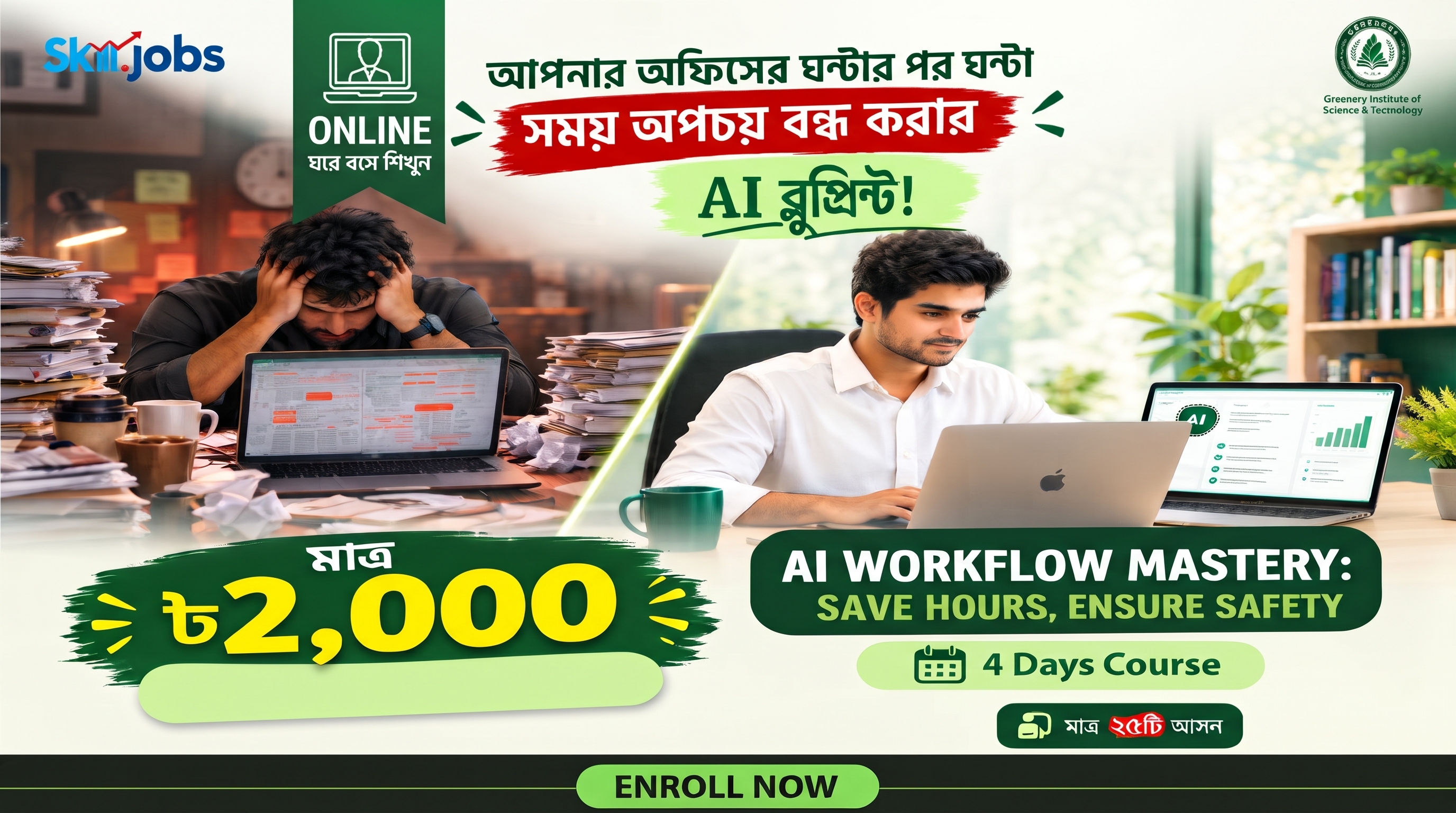
Wish you could finish your daily tasks in half the time? Our live, beginner-friendly course shows you exactly how to use AI tools like ChatGPT and Claude to do just that—no coding required. In just four sessions, you'll learn simple ways to write emails, create presentations, analyze data, and even build your own personalized AI assistant. Join us to cut out the busywork and finally win back hours of your week!
Schedule
Daily ( 4 Days )
Timing
To be announced
Format
Online
Level
1. Choose the right AI tool for a task and know where each tool is weak.
2. Write structured prompts with the R-T-C-F-C framework (Role, Task, Context, Format, Constraints) and refine results with follow-ups.
3. Draft emails, letters, reports and minutes in Bangla and English in the right tone, and summarise long documents.
4. Get source-grounded answers from their own documents with NotebookLM.
5. Clean, analyse and chart Excel/CSV data with AI, get formulas written, and check the results.
Class outputs (Classes 1–3): 30% | Homework / AI-use log: 15% | Capstone "My AI Workflow": 40% | Pre/post quiz: 5% | Attendance & participation: 10%
To receive a Certificate of Completion, participants must achieve a total score of 60% or more, attend at least 3 out of 4 live classes, and deliver the final capstone project. A score of 85% or more earns a certificate "with Distinction".
TBA
This class introduces how generative AI works and helps you choose the right tool for specific tasks while following data safety rules. You will learn to write highly structured prompts using the R-T-C-F-C framework, practice advanced prompting techniques, and collaborate in a breakout lab to build a customized 10-prompt library for your daily work tasks.
TBA
This session focuses on refining professional communication by adjusting text tone and seamlessly translating between Bangla and English. You will practice summarizing long reports, getting source-grounded answers and meeting minutes from your own uploaded documents, and conducting fact-checked research, culminating in a lab where you produce a sourced brief, email, and action list.
6. Research a business question with cited sources and catch AI errors.
7. Build a slide deck and an infographic from one brief.
8. Train a custom assistant on their own role, rules, examples and files.
9. Automate one repeated task without agents (prompt templates, AI-written formulas, Apps Script).
10. Use AI safely and present a personal AI workflow with measured time savings.
TBA
This class teaches you how to upload spreadsheets to AI tools to extract business insights, clean messy data, and generate complex formulas and charts. You will learn how to spot AI errors in data analysis and seamlessly transform your insights into visual slide decks and infographics, finishing with a lab to build a complete insight memo and presentation.
TBA
The final day empowers you to train your own custom AI assistant using your specific role instructions, examples, and knowledge files. You will also learn to automate repetitive tasks using AI-generated scripts and prompt templates, review responsible AI practices, and finally present your completed "My AI Workflow" capstone project to demonstrate your actual time savings.